PSP ROMs ISOs - Playstation Portable ROMs Games Download
Showing: Most Popular | Order: Descending


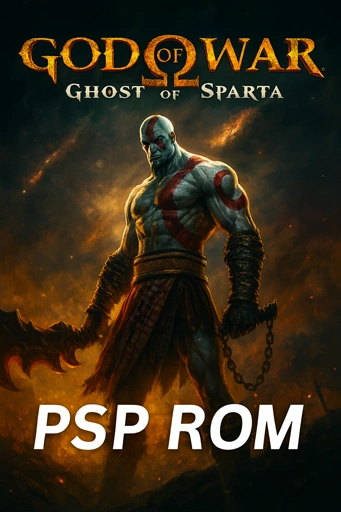




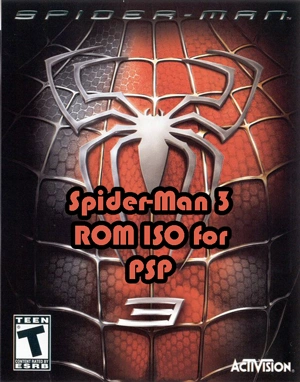
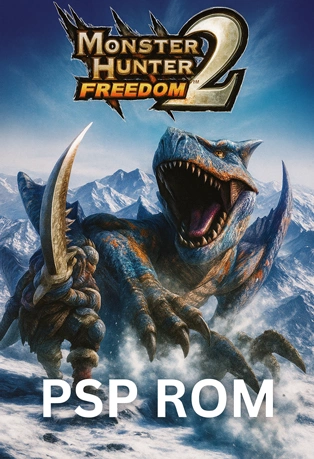
PSP ROMS Playstation Portable (PSP ISOs) are PSP Console games that you can play on PSP Emulators. You can download a complete list of PSP Roms and enjoy playing PSP games.
PSP Emulator Games
Run PSP Emulator Games on PSP Emulator and play these games on different OS such as Windows, Android, Mac, and more.
How To Install PSP ROMS/ISOs?
- Download and Install PSP Emulator
- Download a PSP Rom
- Run the emulator
- Import PSP Rom to the emulator
PSP ROMs FAQ
How do I use PPSSPP with these downloads?
Install PPSSPP, copy the ISO to device storage, then Open → choose the file. On Android grant storage permission.
ISO vs CSO — which is better?
ISO = maximum compatibility; CSO = smaller size but may stutter on weaker devices. Start with ISO; convert to CSO if needed.
Are these ROMs compatible with Android, Windows, and macOS?
Yes. PPSSPP runs on all three. For iOS you need sideloading or AltStore.
Why does file size vary so much?
Full 3D titles (e.g., God of War) are ~1GB; 2D games can be under 500MB. CSO compression reduces size further.
How to fix black screen or low FPS?
Update PPSSPP, set backend to Vulkan/OpenGL, enable frameskip 1–2, and check per-game compatibility settings.