Xbox 360 ROMs & ISO
Showing: Most Popular | Order: Descending
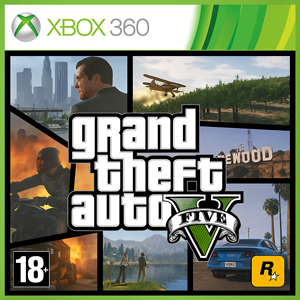
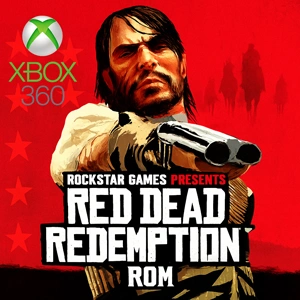
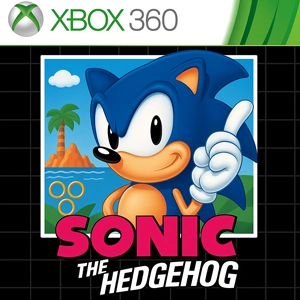
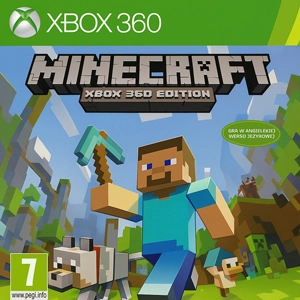
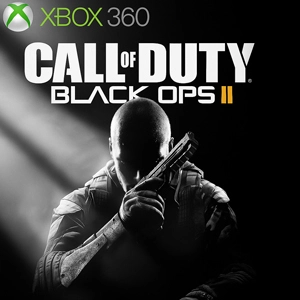

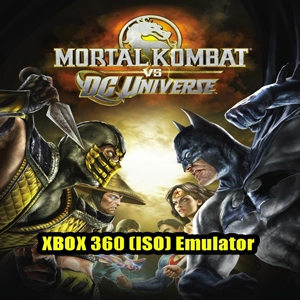
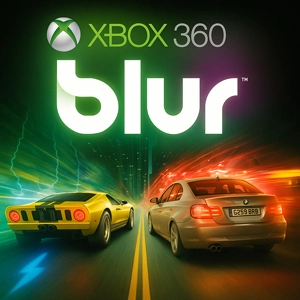
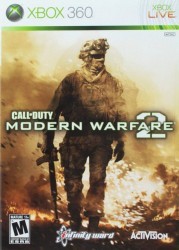
The Xbox 360 is often remembered as Microsoft’s most popular console, mainly because its game lineup covered almost every mood. You had big-name shooters, fast racers, sports staples you could jump into anytime, and arcade-style titles that were hard to put down once you started.
Finding the original console in good shape is not always easy anymore, but the games can still be enjoyed in a modern way on today’s devices. With a PC, and sometimes with a phone or tablet through your own setup, it is possible to revisit that Xbox 360 golden era with sharper screens and more flexible options. The idea is simple: pick a title from the list, download the ISO, run it with a compatible emulator on a laptop or desktop, and bring the same games back without needing the old hardware on your desk. Plug a controller into your phone or tablet and the experience can feel surprisingly close to playing on the real console, just in a more convenient form.
This Xbox 360 ROMs category is built for quick browsing and clearer choices. The point is to help you spot a title fast, open it, and immediately see the details that matter for your setup. Region, disc count, and short notes are usually the difference between a smooth first launch and a messy setup.
Getting started with the list
Start with the game you actually want to play, then open its page and check the basics before touching settings. A quick look at the notes, the region tag, and the disc info helps you avoid the most common mistakes.
ISO format
Every game in this section uses the ISO format. It is a disc image layout, and it is a popular pick because many tools and emulators recognise it without extra steps.
Details worth checking
- Region: Region can change what you see and how things behave. Some releases are locked, and even when they are not, language options and video standards can still vary between versions. If a game does not boot the way you expect, the region label is one of the first things worth checking.
- Multi-disc games: Clear naming matters. When Disc 1 and Disc 2 are labelled and kept together, disc swaps stay straightforward.
- Storage: Copy failures and missing files are often caused by the way a drive is formatted, not the game itself.
PC emulation notes
Xenia is the emulator most people use for Xbox 360 on PC, and game-by-game support can vary a lot. A good habit is to test with default settings first, then adjust only what you need. Updated GPU drivers help, but so does keeping things tidy: avoid running multiple overlays, keep your files organised, and do not mix different releases of the same title in one folder.
Mobile play options
Native Xbox 360 emulation on phones is not consistent across devices, so many players prefer streaming from their own PC or console for Android and iOS. When Wi-Fi is strong and latency stays low, a controller-connected phone can feel close to the original Xbox 360 experience, especially for shooters and racers where touch controls never feel right.
Common fixes
Boot issues after changing settings
Go back to defaults and test again. Change one option at a time after that. Fast “try everything” tweaks usually create more problems than they solve.
Stutter right after launch
Stutter can show up while caches are being built. Once those caches settle, gameplay often smooths out.
Audio popping, crackle, or rough timing
Sound issues often show up when timing is unstable. Close overlays, screen recorders, and background apps that hook into graphics. If your display is switching refresh modes, lock it to a steady value and retest.
Controller not working or buttons mapped wrong
Use one controller layer only. Disconnect extra mapper tools, reconnect the controller, then select the correct input device inside your emulator settings.
Disc swap mix-ups in multi-disc games
Keep every disc inside one parent folder and label them in a way you can recognise instantly. Consistent naming prevents loading the wrong disc and protects your progress.
Copy errors on USB drives and failed transfers
Check the drive format before blaming the file. FAT32 can fail on large images because of the 4 GB file limit, while exFAT is usually easier for big disc files. Shorter folder names and simpler paths can also prevent strange transfer issues.
Scroll the list, pick a game you genuinely want to play again, then use the region details and page notes to set it up in a way that fits your tools and avoids extra headaches.