PS2 ROMs & ISOs
Showing: Most Popular | Order: Descending

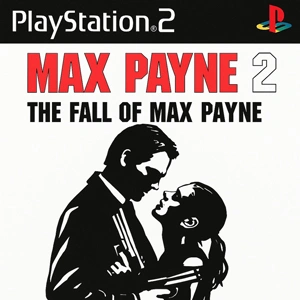

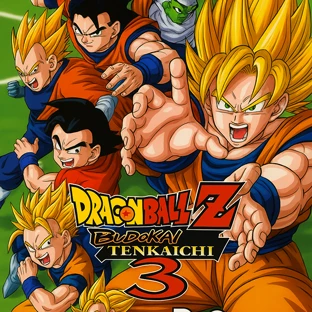

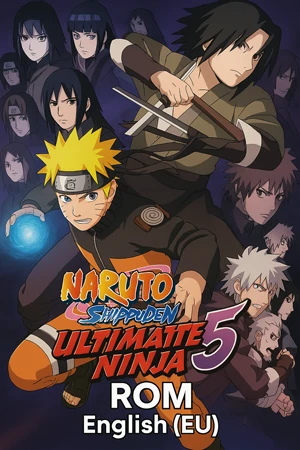

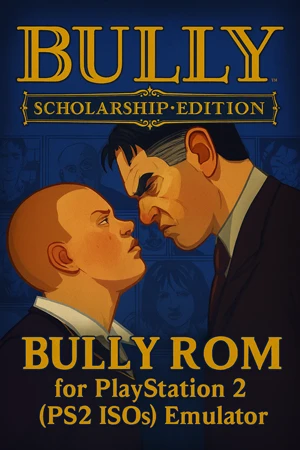


The PlayStation 2 era produced a huge range of games, from story-driven classics to fast arcade-style favorites. If you are looking for PS2 ROMs or PS2 ISOs, the biggest time-saver is choosing the right format and region early, then keeping your emulator setup steady.
Open any game to check the region, file format, and basic notes before downloading. Those small details usually save more time than deep tweaking later.
Formats you will see most often
ISO
The standard disc image format. It is the safest pick when you want the most predictable compatibility across setups.
CHD
A compressed disc format that can save a lot of storage space without changing the game content. It is a smart choice when space is limited and your emulator handles CHD well.
A quick rule that works for most people
- Pick ISO when you want the simplest compatibility
- Pick CHD when storage matters and your emulator is already stable with it
Region and language notes
PS2 releases are often split by region, and that can affect language options, video mode, and sometimes menus or small release differences.
- USA releases are typically NTSC and widely used
- Europe releases are typically PAL and often include multiple languages
- Japan releases may include exclusives and different menus
If a game feels slower than expected or the language is not what you wanted, checking the region is usually the first useful step.
Better results on PC
PCSX2 is a common choice for PS2 emulation on PC. Most games run well when you keep settings reasonable and only change what a specific title needs.
- Start at native or a moderate internal resolution, then raise it only after the game is stable
- Keep enhancements light until graphics look correct
- Switch the renderer when you see missing effects, broken shadows, or odd menus
- Use per-game settings for titles that behave differently
Some games slow down mainly in heavy scenes like smoke, crowds, or certain effects. In many cases, one small adjustment is enough.
Playing on Android
Android performance depends a lot on the phone, drivers, and heat control. A game can run fine at first and then drop frames once the device warms up.
- Lower internal resolution first when performance dips
- Disable heavy extras before trying deeper changes
- A controller often improves the feel, since many PS2 games rely on analog control
Common issues and fixes
Black screen or crash on launch
Switch the graphics renderer, reset to safer settings, or try another region release of the same game.
Audio crackling or stutter
This often happens when the device cannot hold full speed. Lower internal resolution and reduce enhancements.
Missing effects or strange textures
Switch the graphics backend first. Many visual glitches are renderer-related and do not need deep setting changes.
Slowdowns in specific scenes
Drop the resolution one step and keep extra effects off. Some games are simply heavier in certain areas.
A simple checklist before you download
- Confirm the region and language you want
- Choose ISO for maximum compatibility, CHD for saving space
- Keep emulator settings stable and change only what the game requires
- If one release behaves oddly, try another region release before assuming the file is the problem