Vita3K: PS Vita Emulator Download

| Console | Emulators > PS Vita Emulator |
|---|---|
| Publish | 23 Jul 2023 |
| Size | 11 - 20 MB |
| Downloads | 3006 |
Vita3K is an emulator designed to allow users to play Sony PlayStation Vita games on various operating systems. By running Vita3K on compatible devices, users can enjoy PS Vita ROMs and experience the gaming library of the PlayStation Vita without the need for the original hardware.
Table of Contents
Vita3K Key Characteristics
Open-Source Project
Vita3K was an open-source emulator with access to its source code by anyone for modification and contribution.
Multiple Platform Support
The emulator was designed to work across multiple platforms including Windows, Linux, and MacOS, allowing users to access it from various devices.
Compatible Games
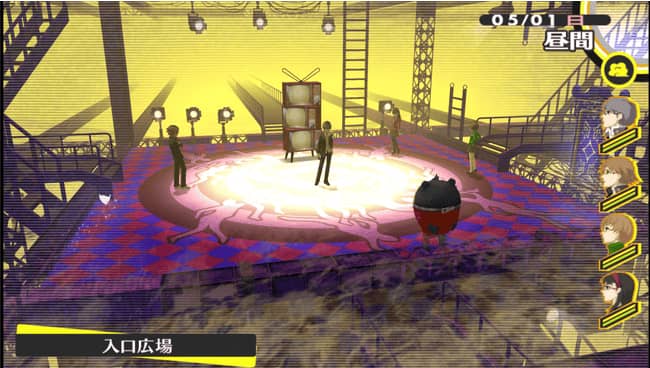
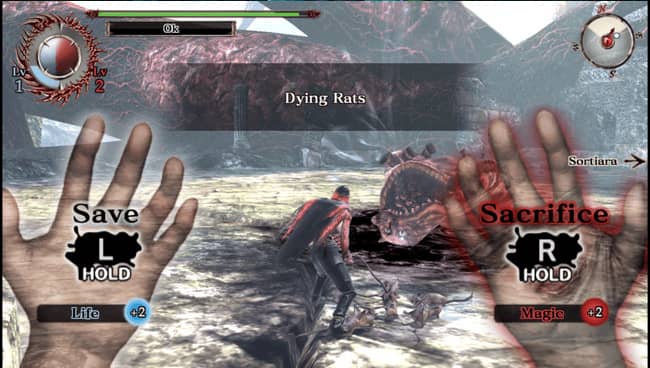
As the emulator developed, its game compatibility and stability increased, enabling users to enjoy PlayStation Vita-compatible titles on PCs.
Graphics and Audio Emulation
Vita3K emulates both graphics and audio rendering from PlayStation Vita to create an immersive gaming experience on computer screens with sound.
FAQ
How to you install PS Vita Roms?
Windows
Right click a .vpk. Go to Properties, and click “Change …”. This will associate Vita3K.exe .vpk. Double-clicking should now work. Drag and Drop games to .
Windows/Linux/macOS/Android
File>Install.pkg and File>Install.zip.vpk are the two options for installing games via emulator.
If you prefer, you can install them by manually unzipping the .vpk in Vita3K’s directory.
Where are the games installed?
You can find them in the Vita3K directory in /ux0/app/. Defaults:
Windows: C:/Users/”username”/AppData/Roaming/Vita3K/Vita3k
Linux: ~/.local/share/Vita3K/Vita3K
Android: Android/data/org.vita3k.emulator/files
You can edit the config.yml by editing ” path” in the entry.