Tearaway
| Console | PS Vita > ROMs |
|---|---|
| Publish | 12 Nov 2025 |
| Emulator | Vita3K: PS Vita Emulator |
| Genre | Adventure |
| Region | USA |
| Downloads | 967 |
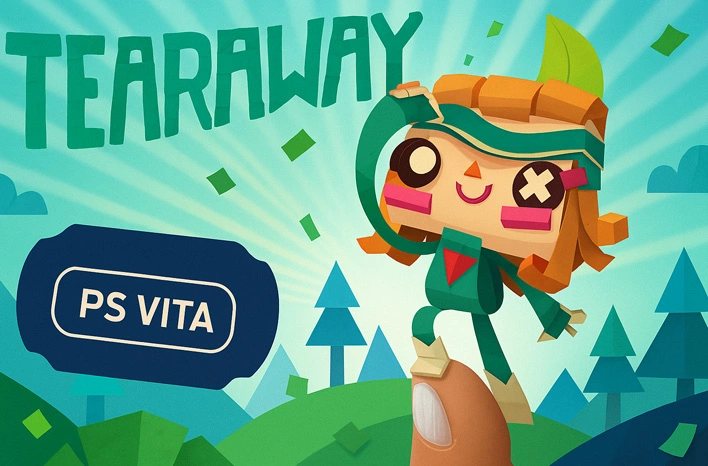
This ROM file is a PS Vita PKG of Tearaway, prepared for PS Vita emulators (e.g., Vita3K). Just install the PKG in your emulator to add it to the library, then launch it like a normal app—on Windows, macOS, or Android (with a compatible emulator build).
File basics
The ROM here is a PS Vita package (.pkg). Use a clear name (for example: Tearaway_PSV.pkg) and keep it on fast local storage. On phones, internal memory loads quicker than most SD cards.
Where it runs well
Windows with Vita3K give the most consistent results. Android works great on newer ARM phones and handhelds. macOS and Linux desktop builds of Vita3K are stable for everyday play. iOS is not a practical option right now, so pick Windows or Android for the smoothest setup.
Windows and desktop setup (Vita3K)
1) Install a recent Vita3K build for your OS.
2) Open Vita3K → Install Package → select the Tearaway PKG.
3) After installation, start the game from the library.
4) Begin at the default resolution. If frame time looks stable, raise the scale one notch; if it dips, step back.
5) Update GPU drivers and turn on V-Sync or a 60 FPS cap to keep motion steady.
Android setup notes
Move the PKG to internal storage before you install it. Close heavy background apps and switch the device to a performance or gaming mode. A Bluetooth controller gives the best control for platforming. If you prefer touch, use the on-screen mapper and lower analog sensitivity so small movements register cleanly. If you hear crackles, raise the audio buffer a small step and test again.
macOS and Linux
Install the current desktop build of Vita3K, use Install Package, then launch from the library. If you notice micro-stutter, enable V-Sync in the emulator and in your driver panel. You can raise anisotropic filtering on most desktop GPUs for cleaner textures at angles with little cost.
Controls and audio
Map your gamepad inside Vita3K and adjust dead zones for tighter jumps. On Android, keep the on-screen layout within easy reach and avoid tiny buttons. For audio pops, increase the buffer slightly and retry the same scene.
Saving and backups
In-game saves work exactly like the handheld version. Save states are great for tricky rooms—keep two or three rotating slots so you can roll back if something goes wrong. Back up the emulator’s save folder before updating to a new build.
Performance checklist
Raise resolution in small steps. Disable overlays and screen recorders on Android to reduce GPU load. Keep phones cool with a stand or a bit of airflow to prevent throttling. Let the shader cache build during your first minutes of play; stutter usually fades after that.
Troubleshooting
Black screen after install → update Vita3K and verify required system files.
Controller not detected → reconnect over USB/Bluetooth and remap in the emulator.
Odd visuals after many tweaks → reset per-game overrides and restart.
Low FPS on Android → lower the resolution scale, relaunch the app, and close background tasks.
With a clean Tearaway PS Vita ROM in PKG format and an up-to-date Vita3K build, the game runs well on PC and modern Android devices. You get sharp upscaling, responsive controls, quick loads, and convenient save options while keeping the original feel of the Vita release.